KAISER PERMANENTE
Senior UX Architect | Designer | Developer
Project Overview
Summary
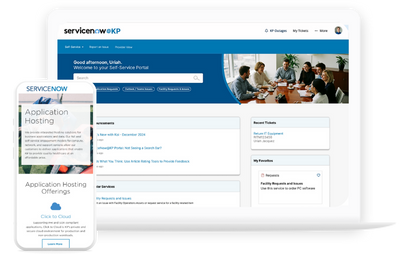
Kaiser Permanente, a leading integrated healthcare organization based in Oakland, CA, serves millions through a network of care facilities, providers, and digital platforms. Over the course of six years, I led critical UX, design system, and front-end initiatives to modernize and scale their internal ServiceNow portal—used daily by over 70,000 employees.
This case study highlights my end-to-end impact across three major platform evolution phases:
- 2019–2021: Migrated fragmented WordPress content into a unified, responsive ServiceNow experience—improving usability, performance, and maintainability.
- 2021–Ongoing: Led the creation of a modular, tokenized design system in Figma, enabling scalable UI development, faster handoffs, and cross-team consistency (Redesign 1.0).
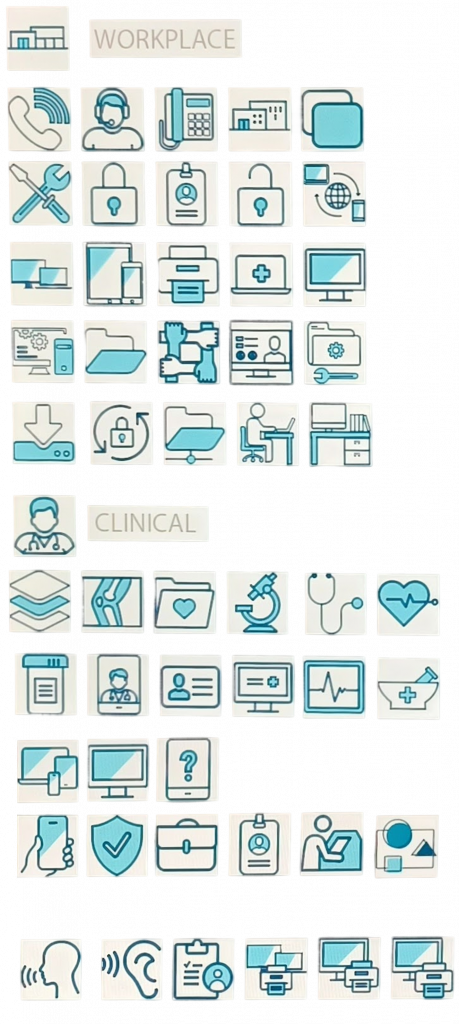
- 2021–2025: Delivered a refined UI in Redesign 2.0, including a custom icon library, accessibility enhancements, and visual system upgrades to improve clarity and brand cohesion.
Together, these efforts reduced support tickets, improved content findability, and laid the foundation for a reusable, enterprise-grade design framework.
Quick Facts
Company
Kaiser Permanente (70k employees)
Team
2-3 Designer, 2 Developers, 1 PM
Constraints
ServiceNow platform limitations, HIPAA compliance
Key KPIs
Task completion time, support tickets, user satisfaction
Tools
Figma, Miro, Photoshop, Illustrator, HTML / CSS, ServiceNow
WordPress to ServiceNow Migration
The Problem
- Outdated WordPress templates
- Migrating WordPress content to ServiceNow
- High content management overhead
- Inconsistent UI patterns across modules
- High support ticket volume (200+ weekly)
Goals
✓ Modernize platform with a scalable, component-based design system
✓ Streamline content for clarity and consistency
✓ Enable self-service publishing workflows
✓ Unify design language and reusable components
✓ Reduce friction with clearer navigation and better content structure
Current State Journey
When I joined the project, the existing WordPress platform was outdated, hard to maintain, and difficult for employees to navigate. Content was buried under multiple layers, leading to frustration, wasted time, and a growing support burden.
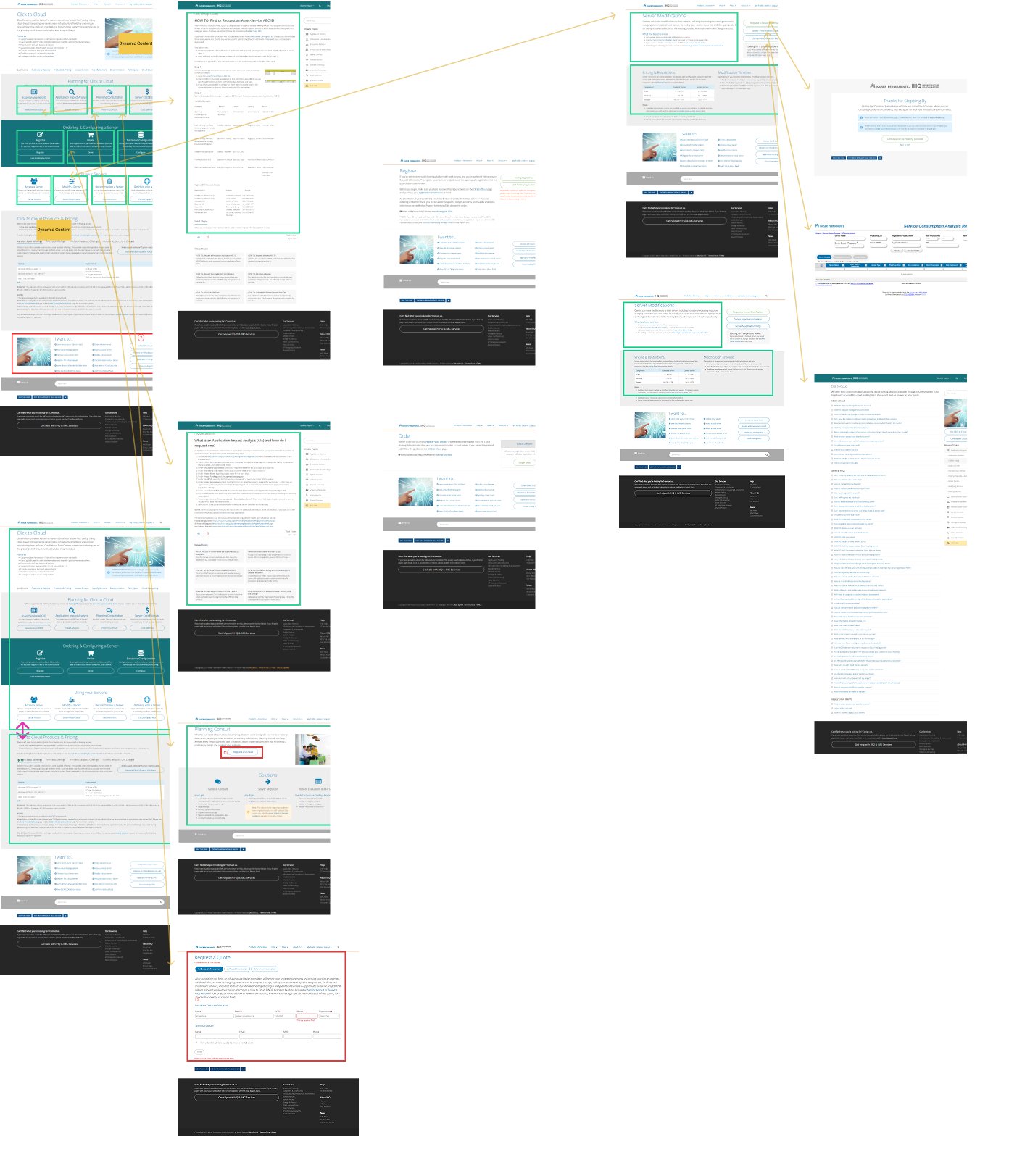
Customer Journey Exploration
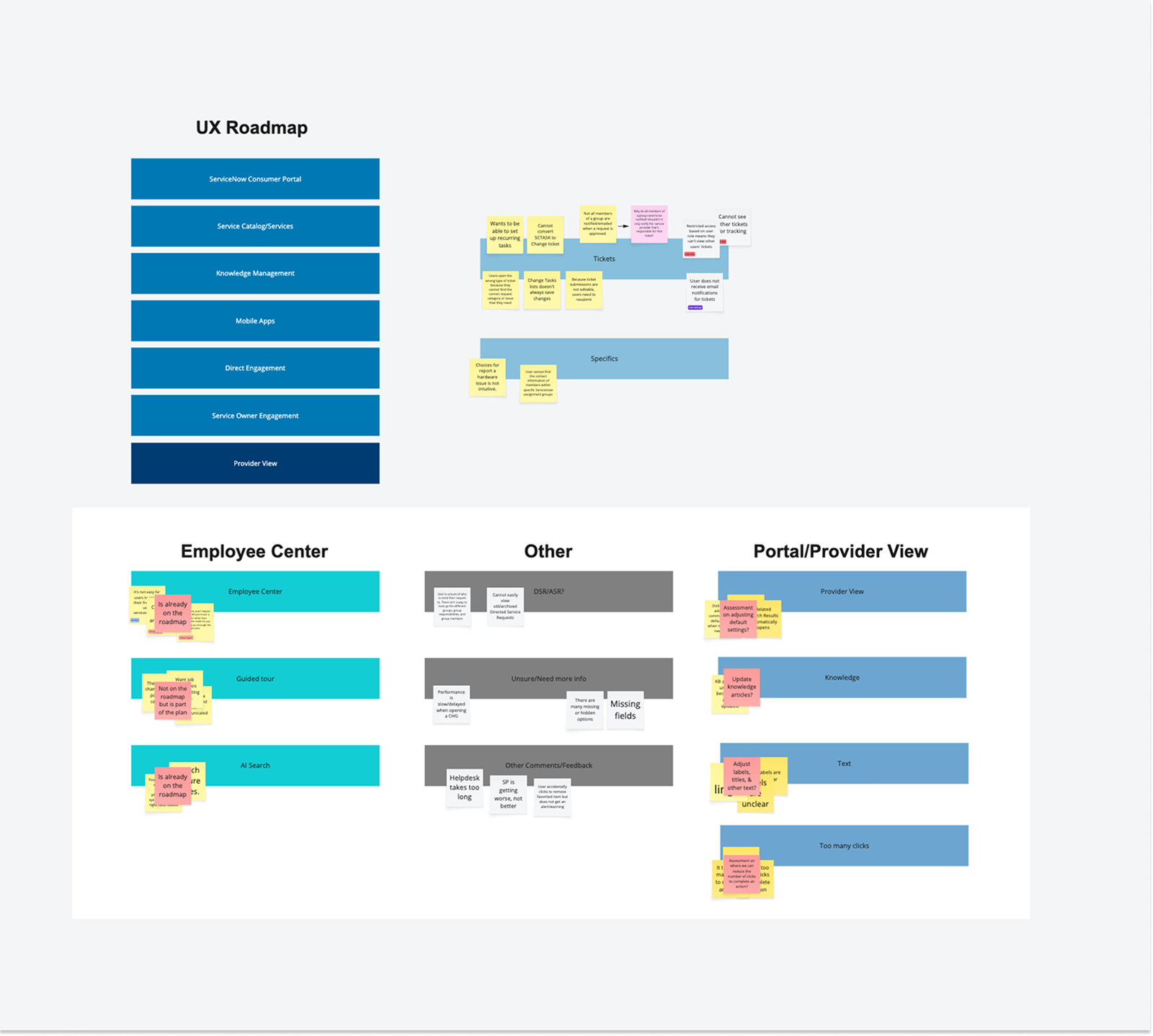
It became clear that we needed a more scalable, secure, and integrated platform that could better support internal workflows. My goal was to reimagine it as a scalable, user-friendly ServiceNow experience.
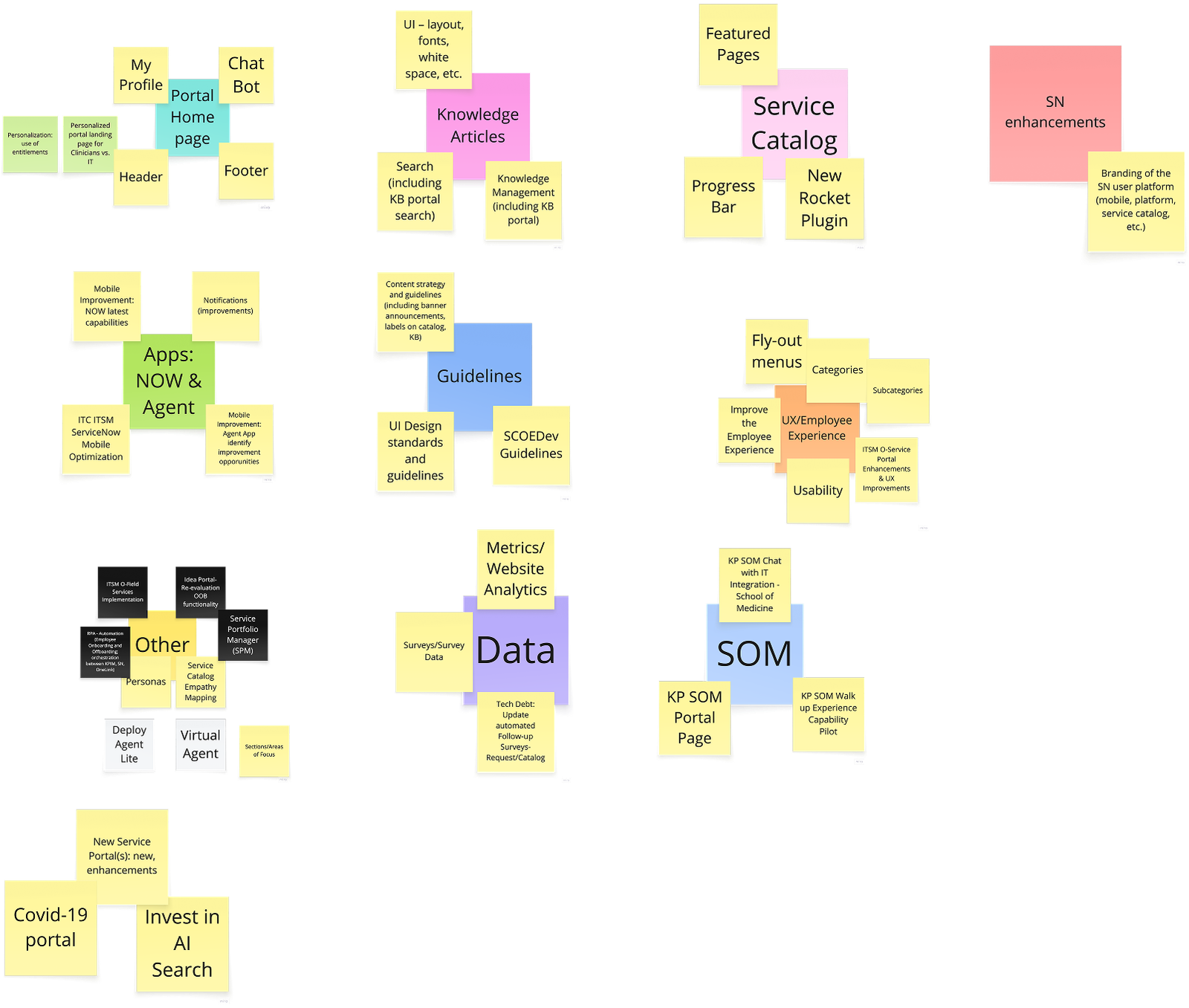
Mind Mapping Exploration
Establishing the Design System
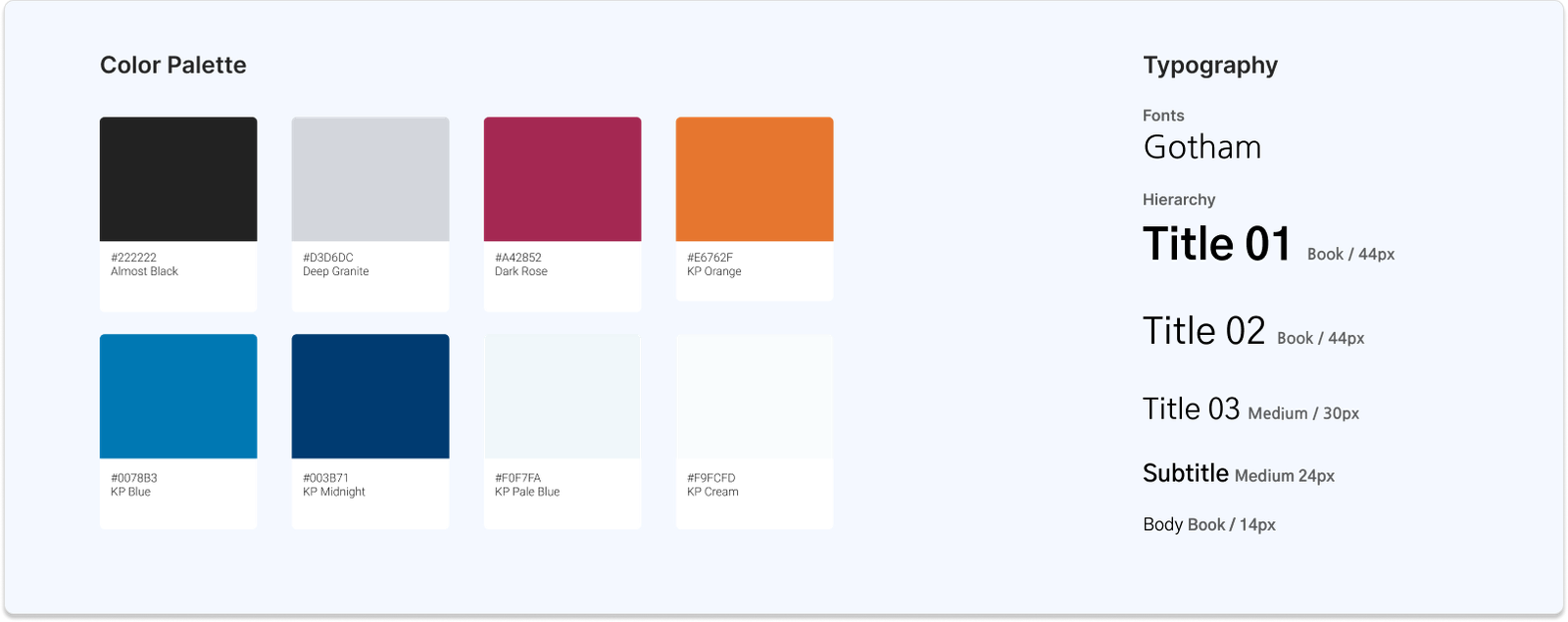
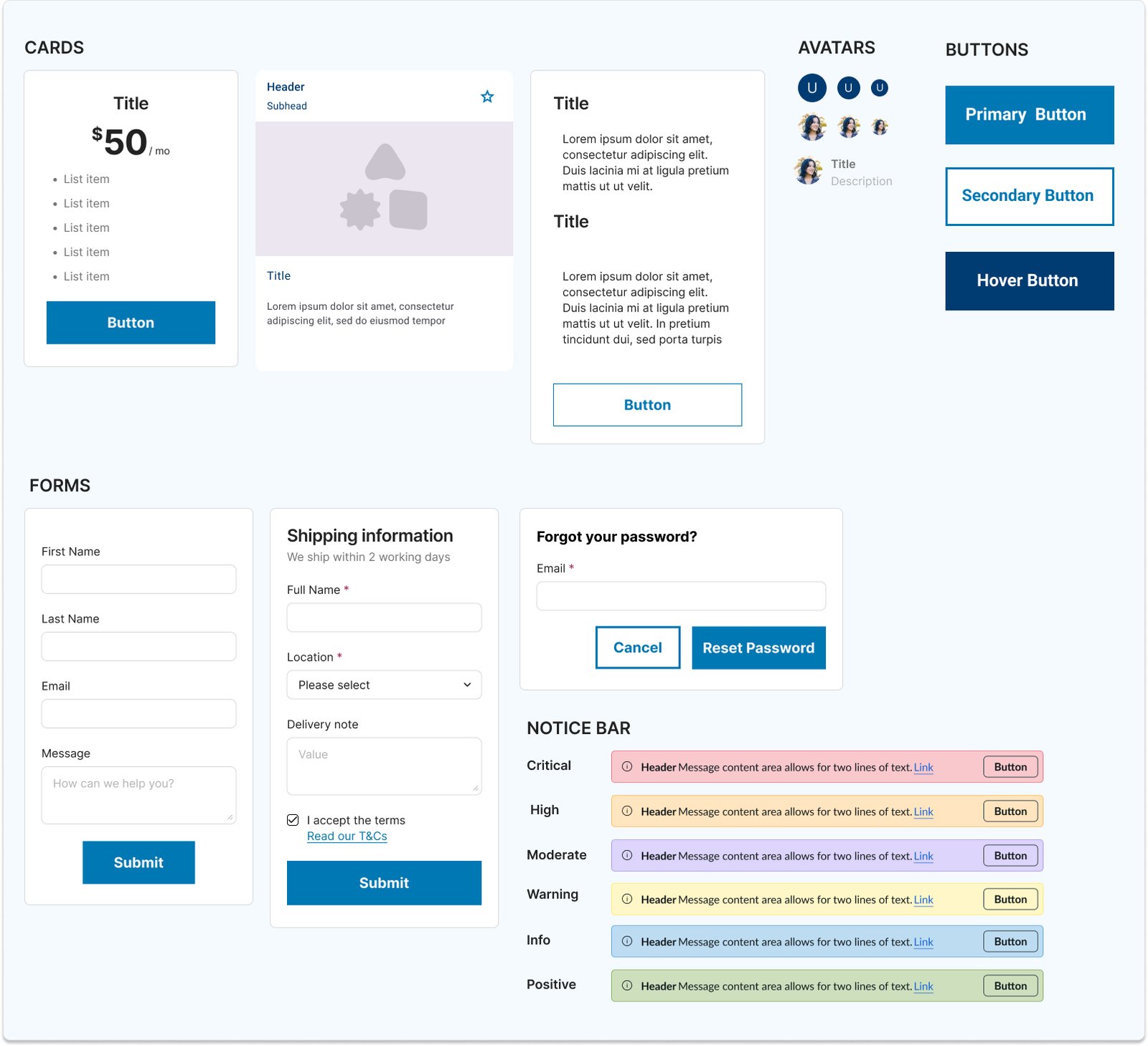
Once we successfully completed the content migration my initial focus involved defining the fundamental design principles that would guide all future design decisions within the ServiceNow ecosystem. This included establishing a clear visual language, typography scales, color palettes, and iconography standards that aligned with Kaiser Permanente’s brand while optimizing for the ServiceNow platform. I led the creation of a comprehensive UI toolkit that streamlined the design process for various application teams.
Design System
Component Library
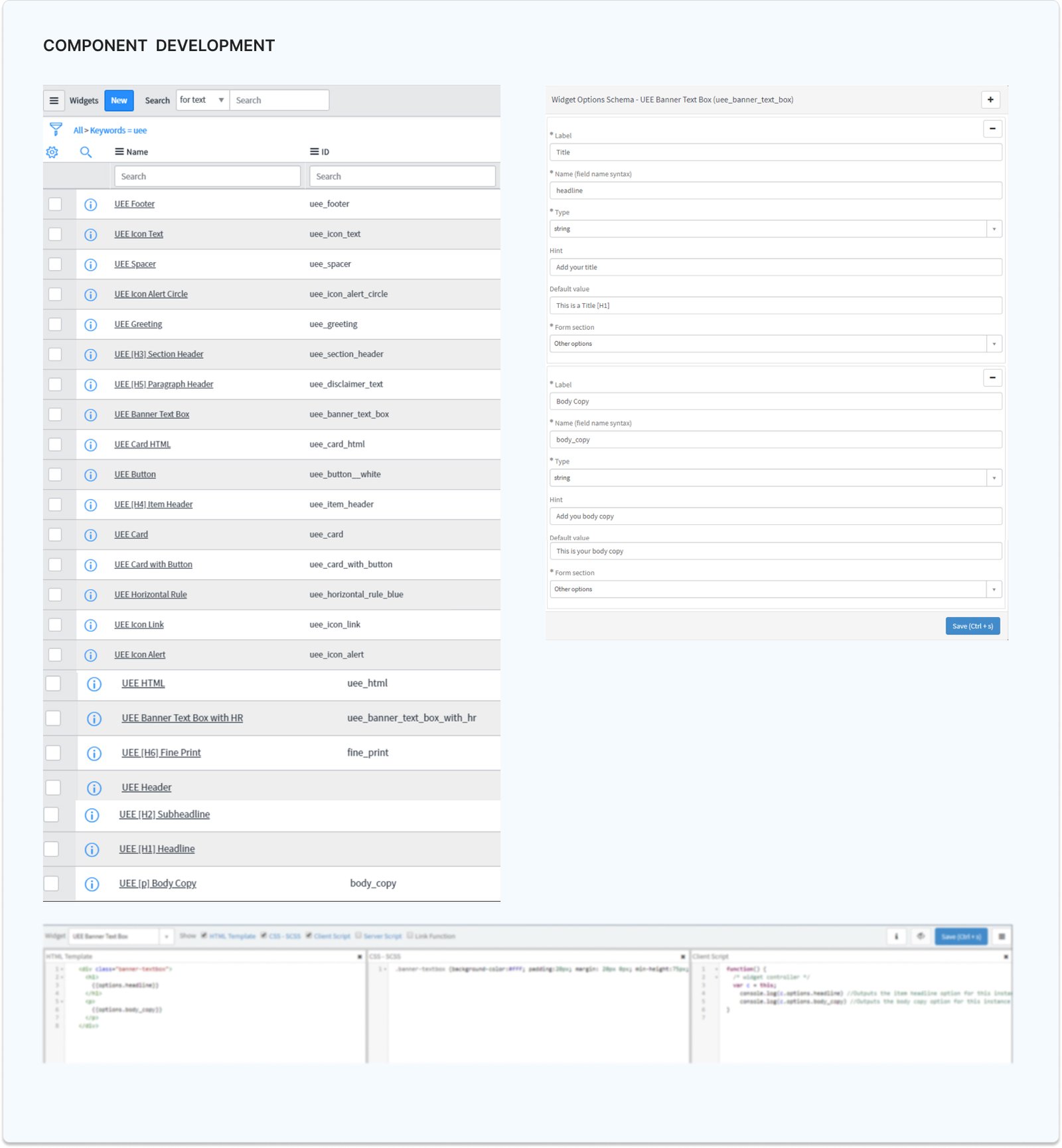
Making ServiceNow Feel Like Kaiser Permanente
ServiceNow Out-Of-Box
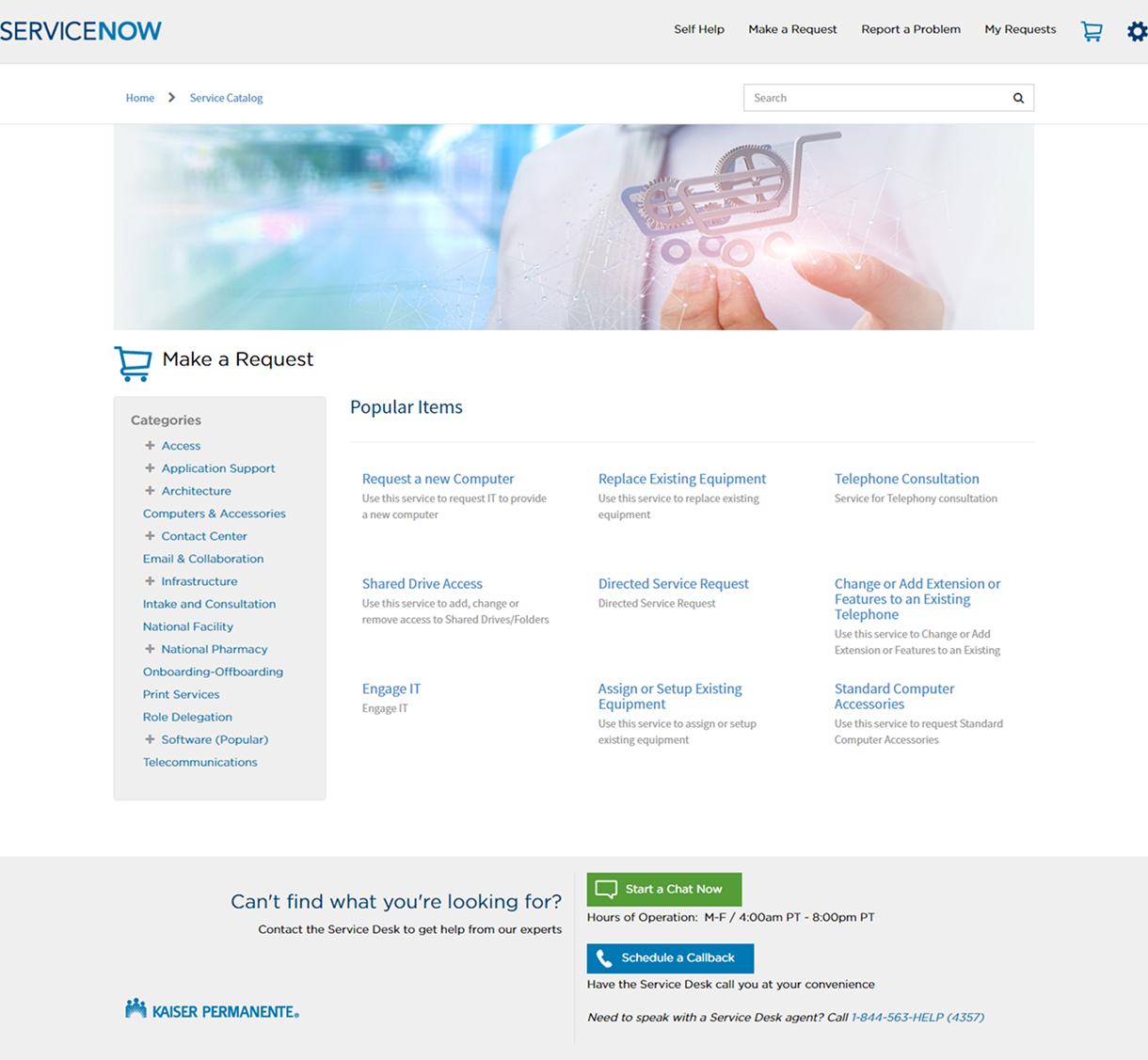
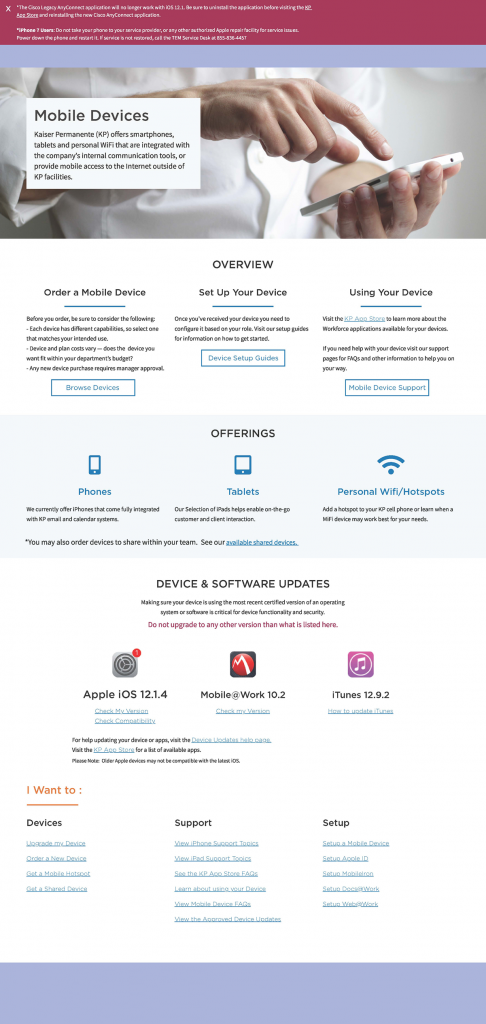
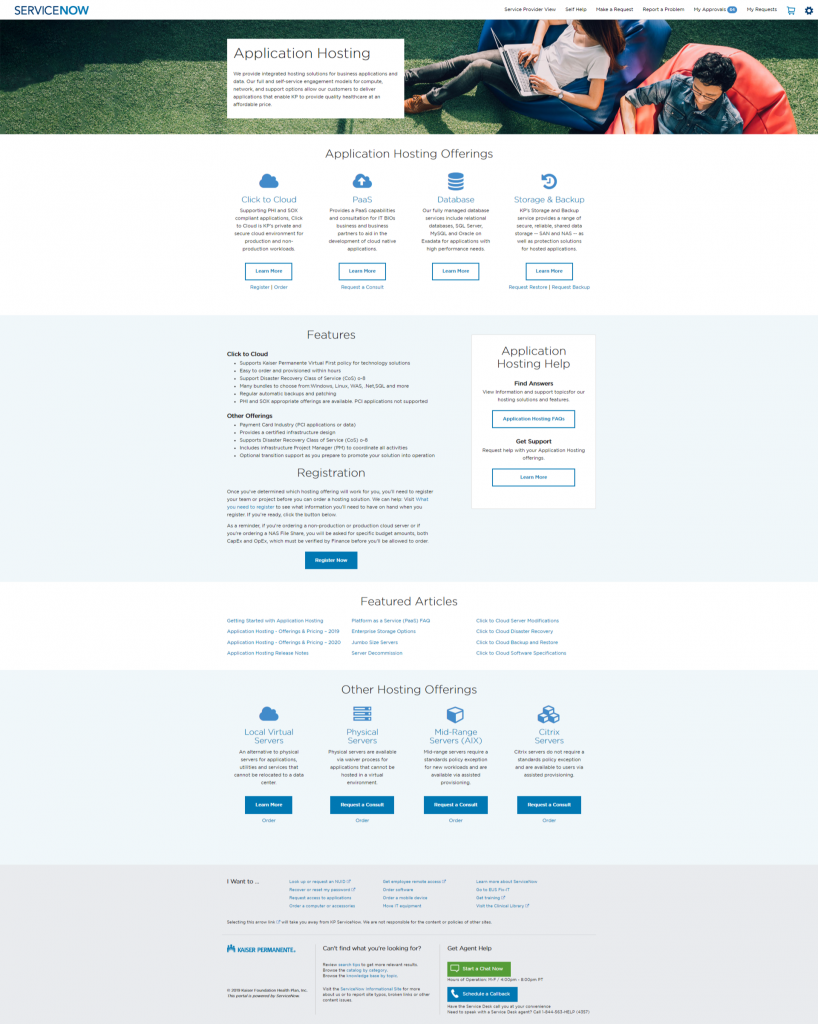
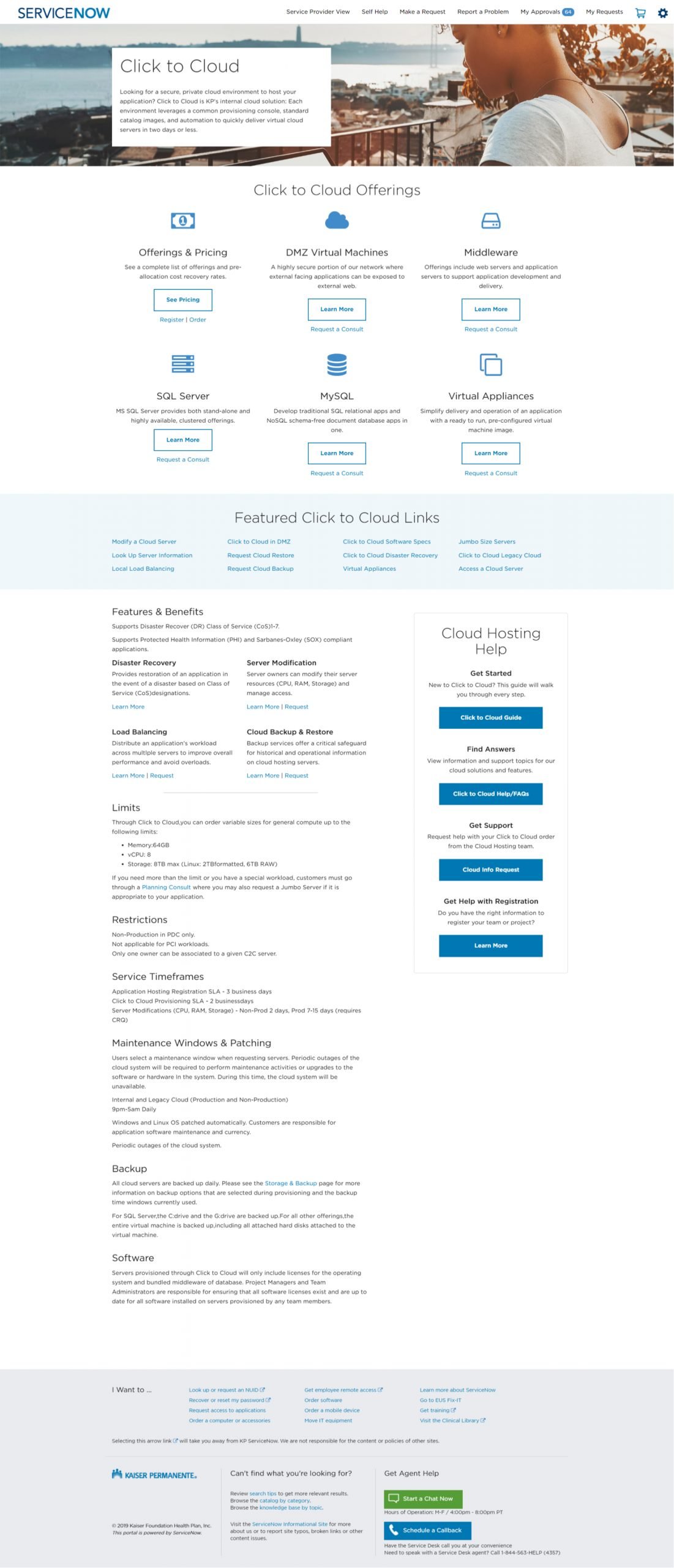
With the design system established, the next phase focused on transforming the ServiceNow platform from its default, out-of-the-box look into a fully branded Kaiser Permanente experience. This was more than a visual refresh—it was a strategic effort to create a cohesive, familiar environment where every interaction felt authentically aligned with the KP identity.
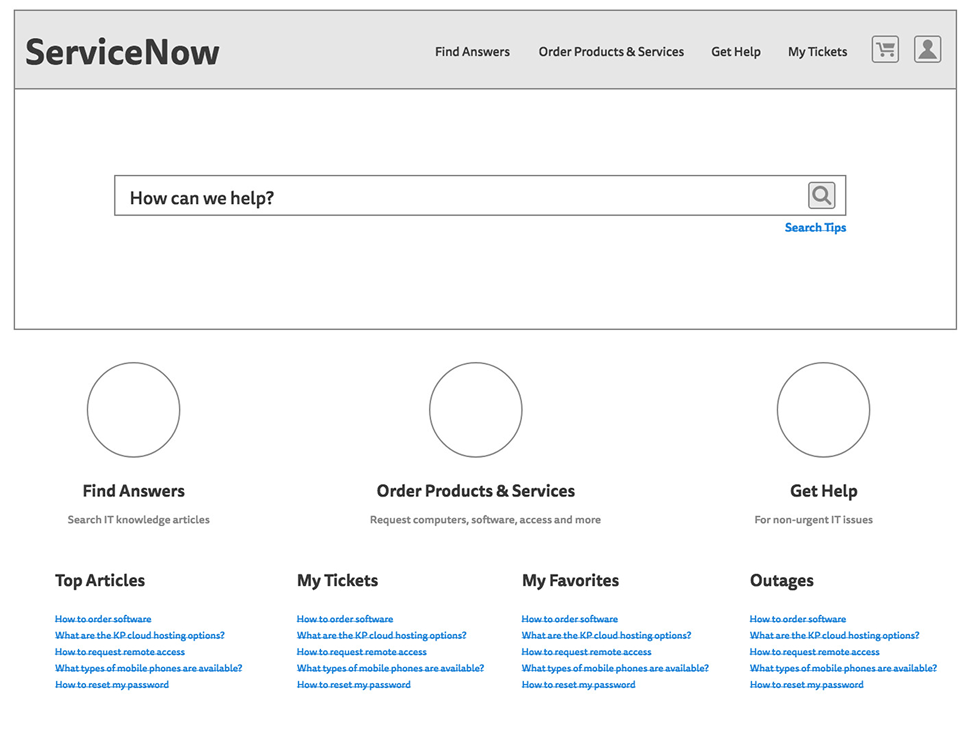
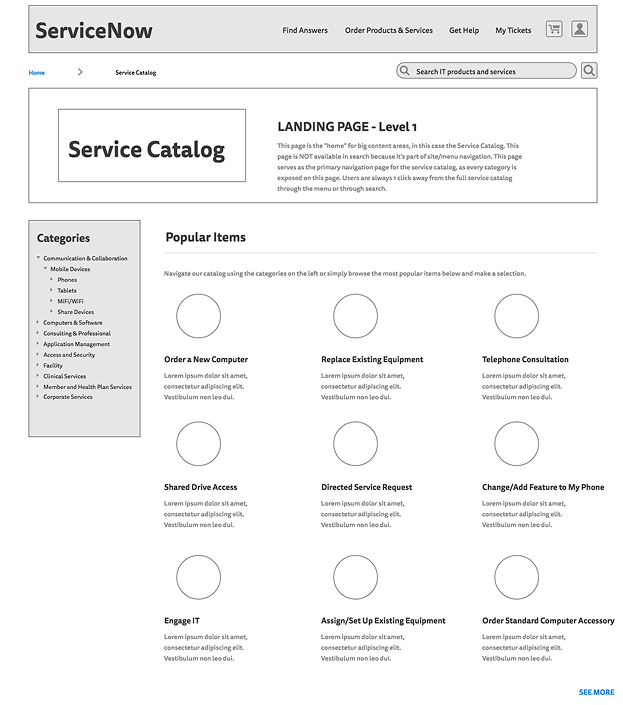
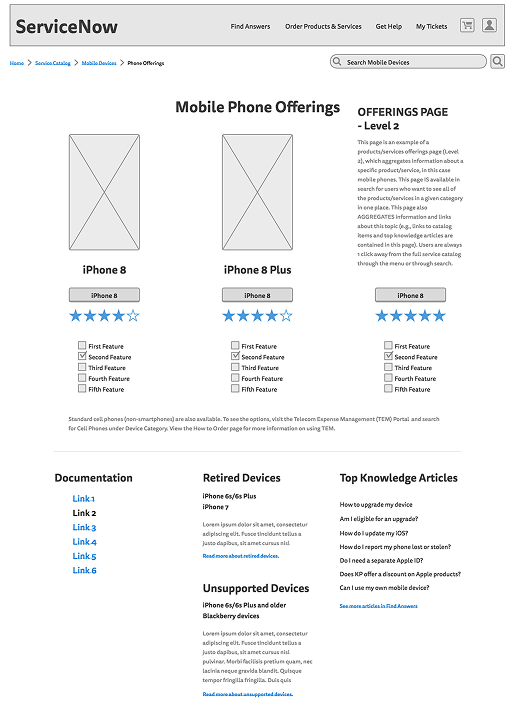
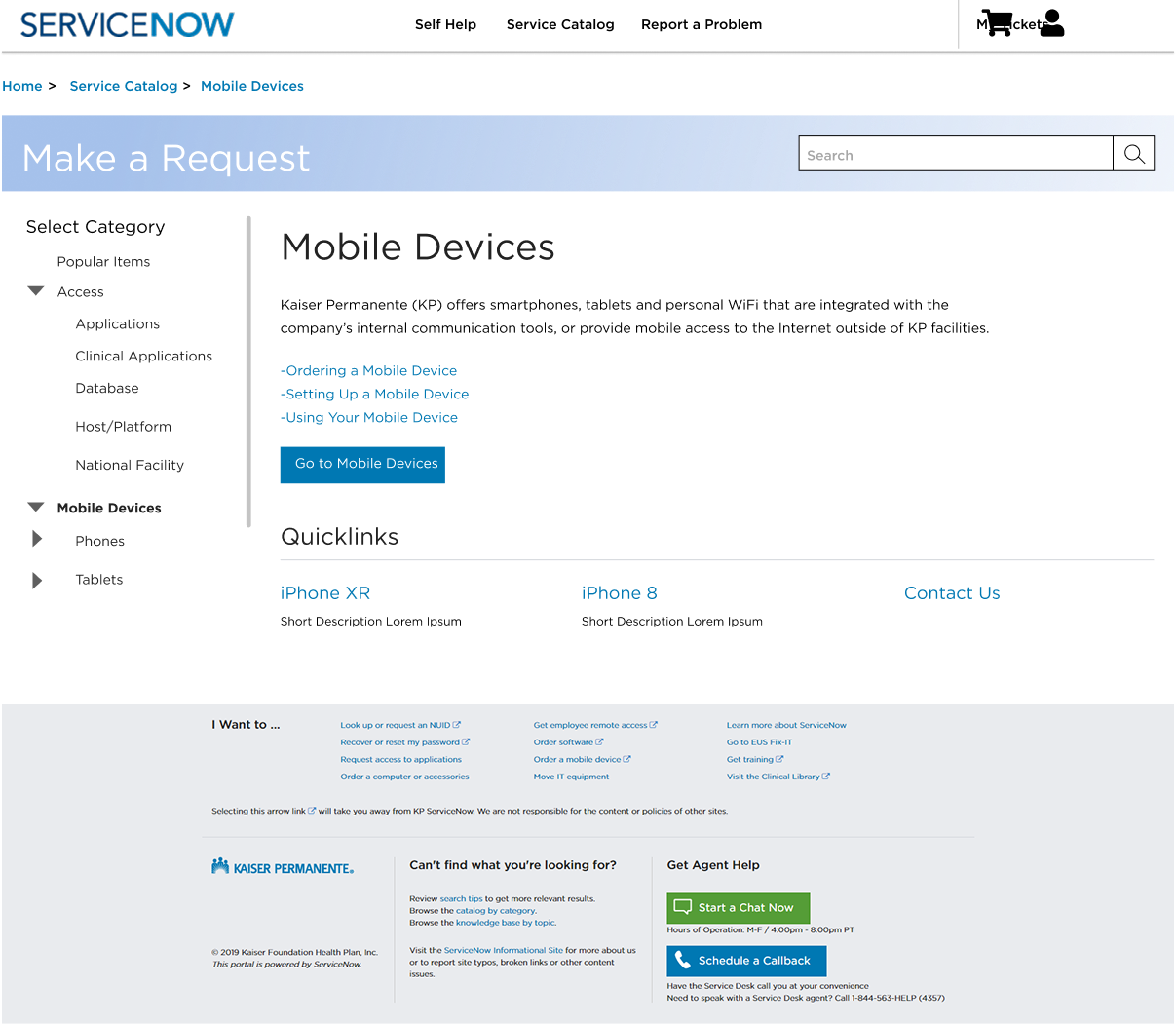
Wireframe Exploration
HOME
CATALOG
CATALOG ITEM – INITIAL DESIGN
CATALOG ITEM – FINAL DESIGN
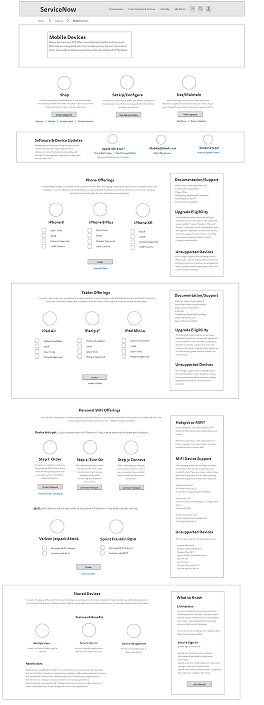
Lo-Fi Prototypes
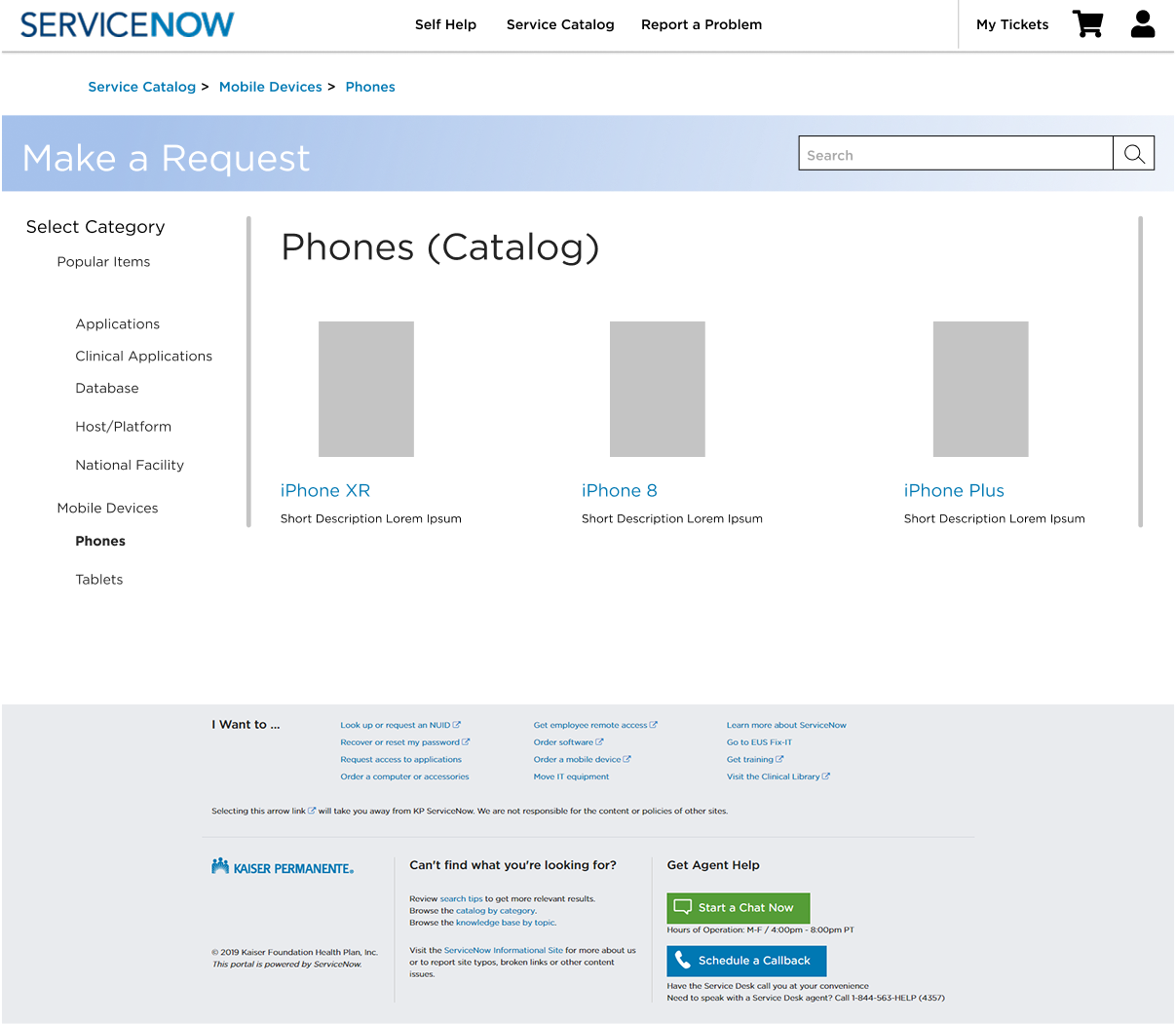
Hi-Fi Prototypes
Final Designs
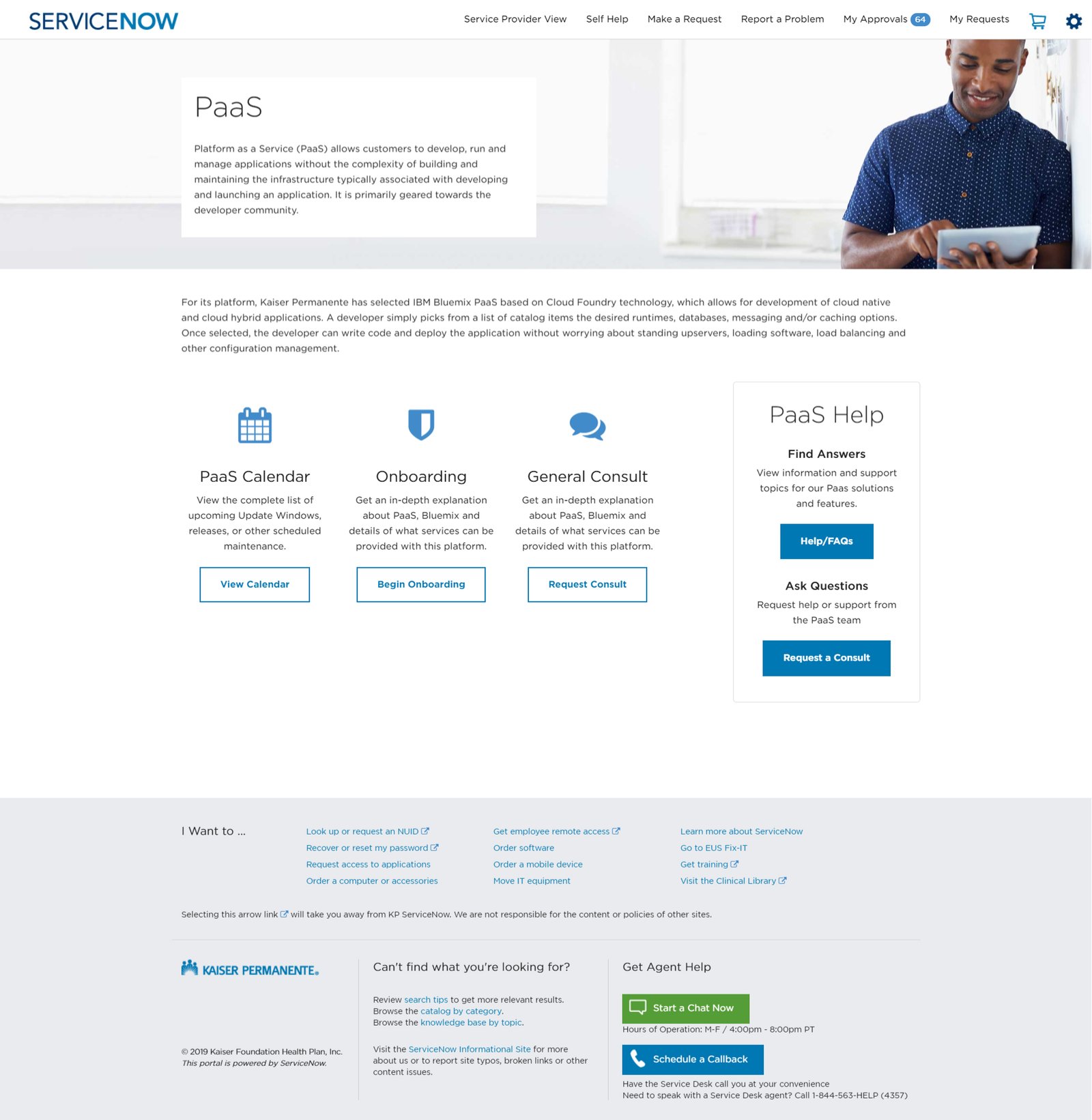
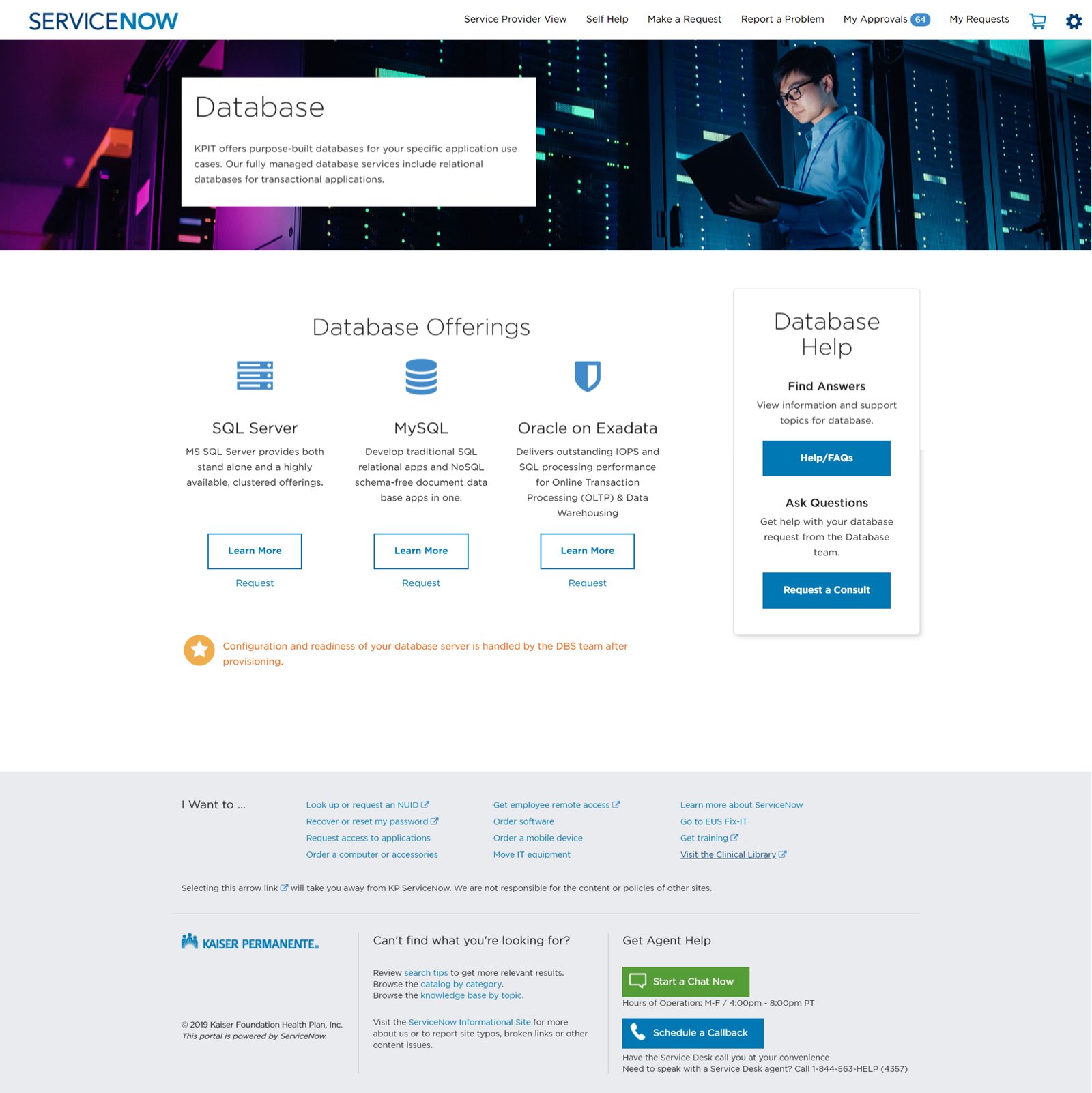
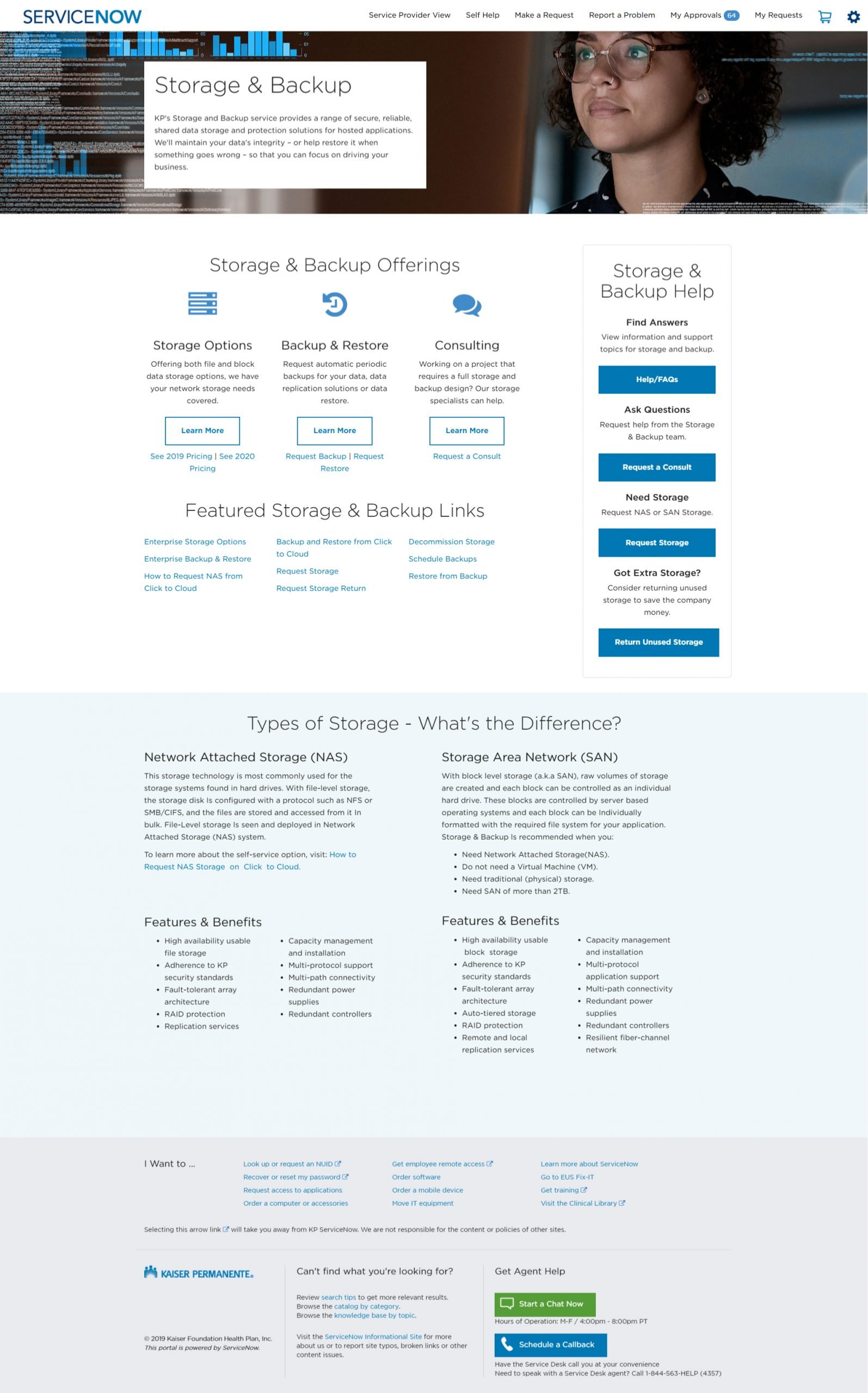
Visual Refresh & Iconography
ServiceNow Redesign — Elevating the Experience
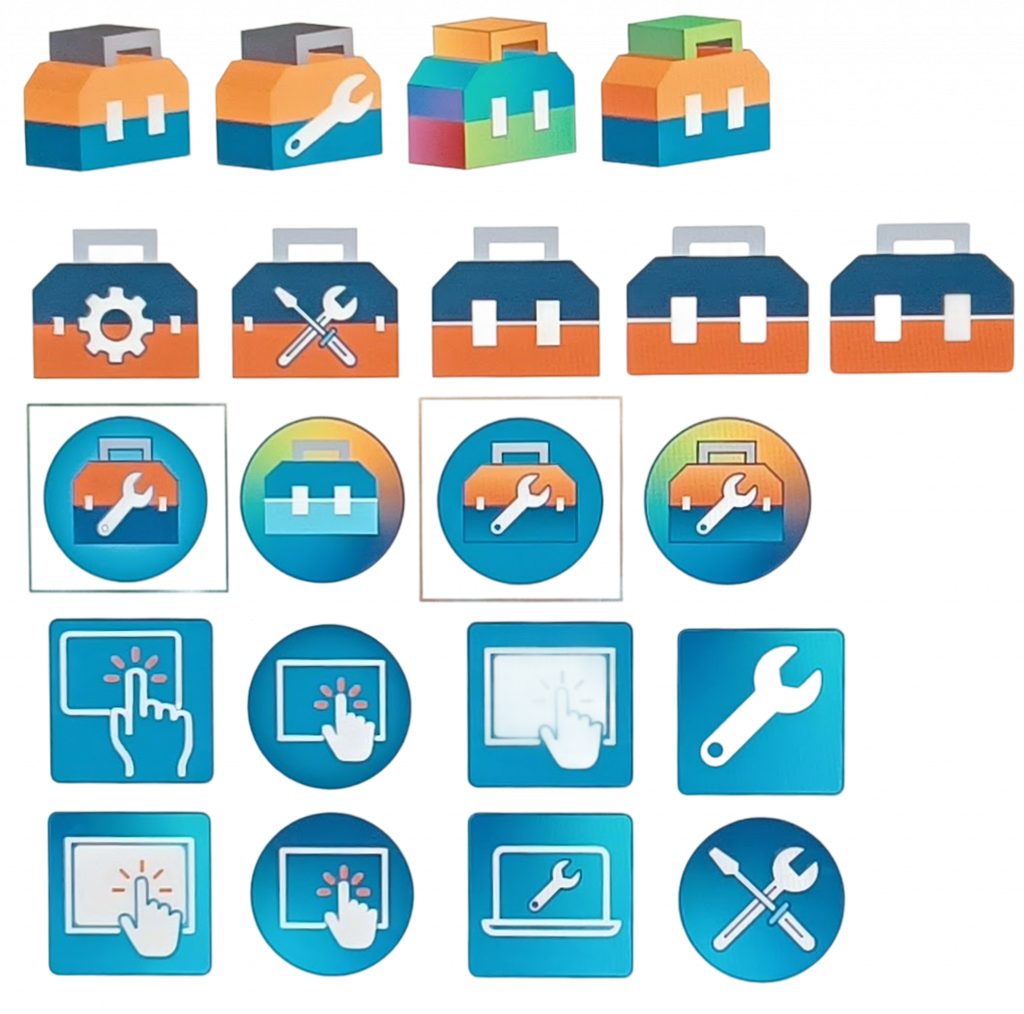
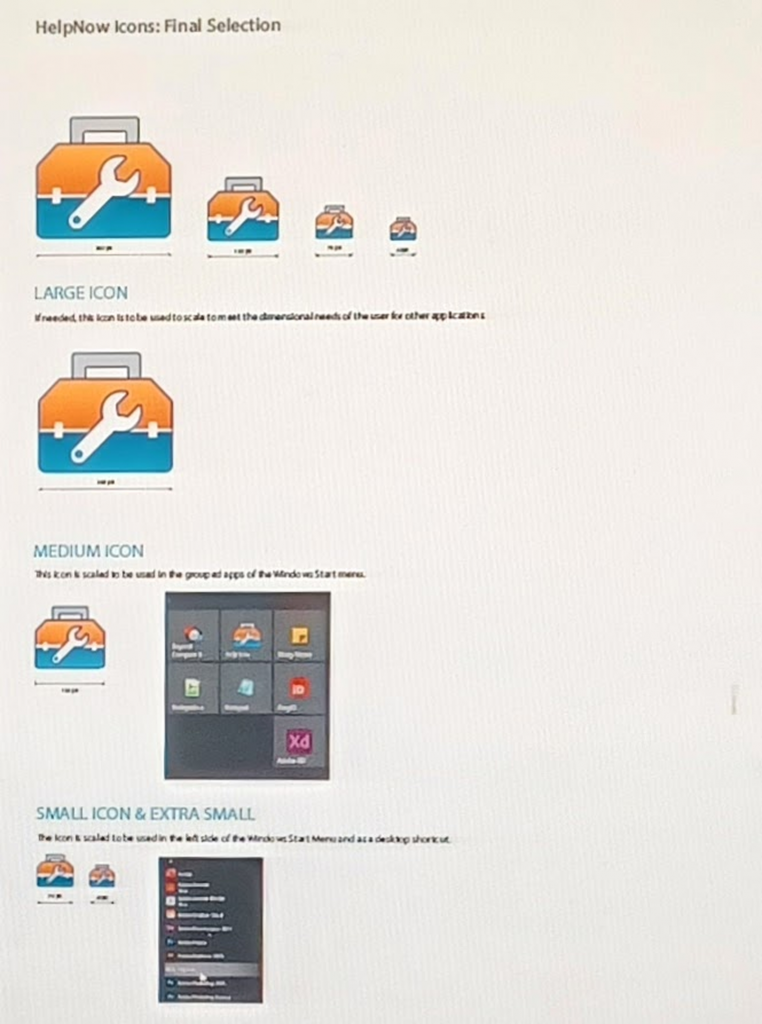
When the ServiceNow platform was upgraded to a newer version, many of the components from the first redesign no longer aligned visually or functionally. It was a great opportunity to take everything we’d built and elevate it. In this second redesign, my focus was on refining the overall UI — creating a custom icon library, improving accessibility, and modernizing the visual system to bring more clarity, consistency, and brand cohesion across the platform.
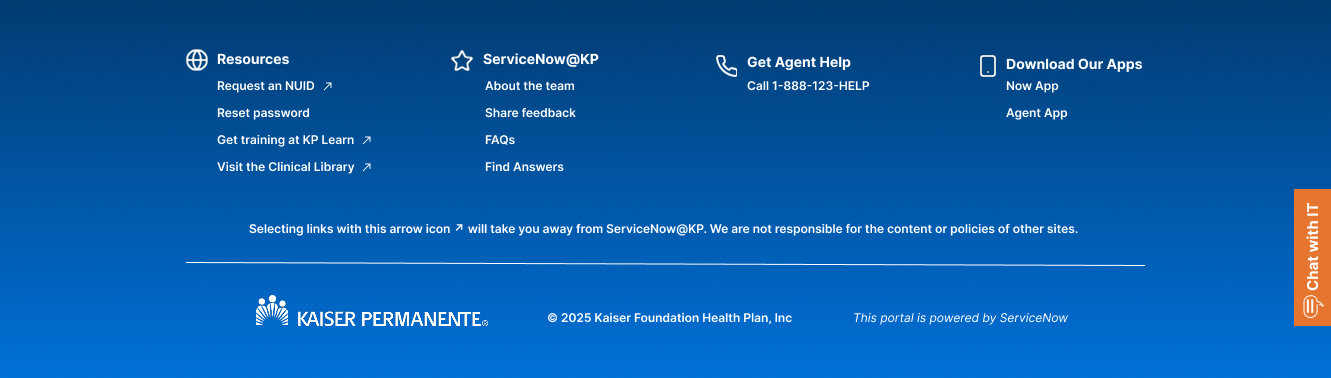
Footer Redesigns
2019

2019 – 2022
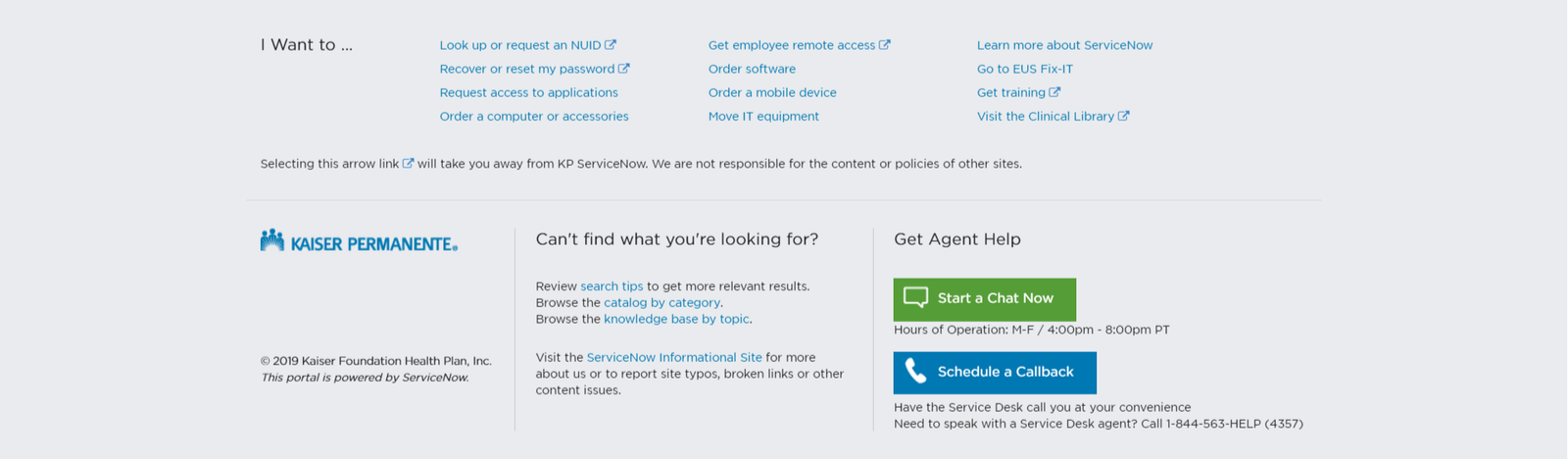
2022 – 2024
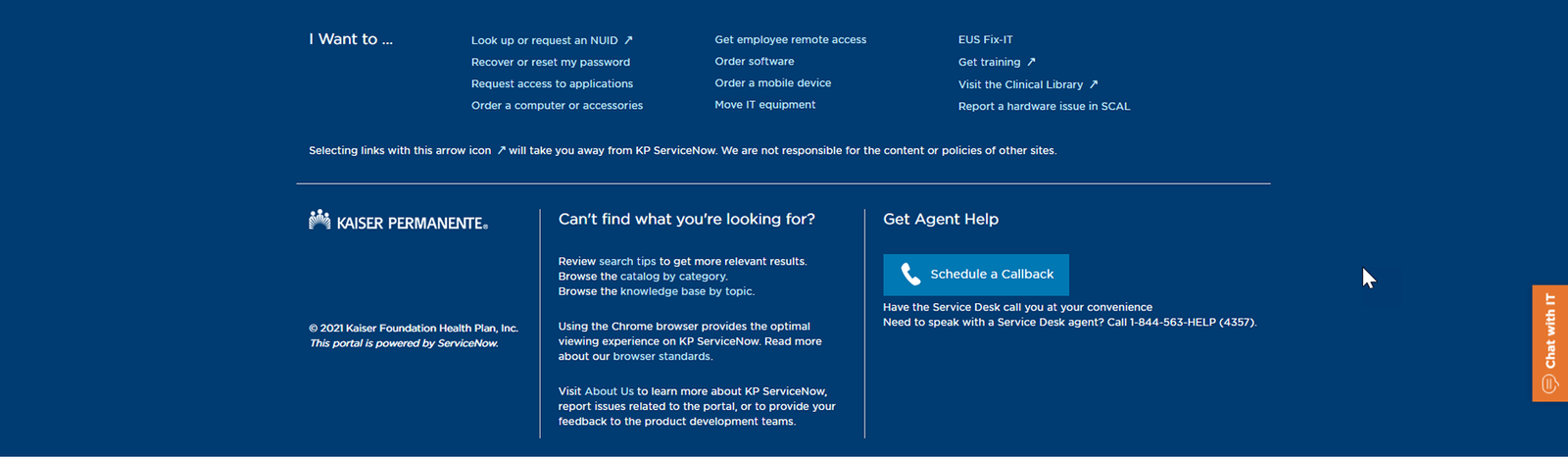
2024 – 2025
Chatbot UI Modernization & Workflow Strategy
The Solution: I led the UI transformation and contributed to the conversational workflow design, providing high-fidelity recommendations and custom CSS to the external development team to ensure a seamless “end-to-end” user journey.
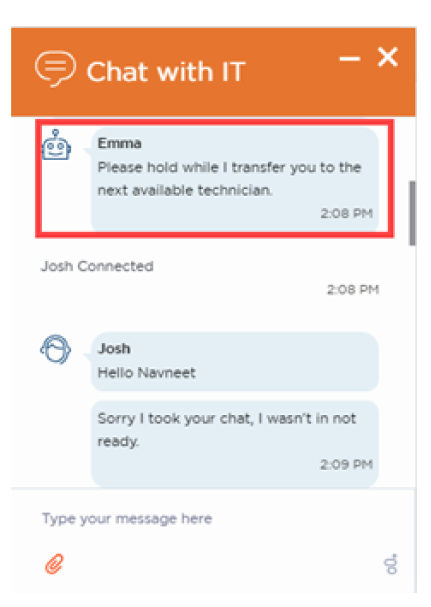
- Workflow Strategy & Logic: Partnered with the Product Owner to refine the conversational flow, specifically optimizing the “Transfer to Agent” implementation. I ensured that the handoff between AI and human support was intuitive and occurred at the optimal friction point in the user journey.
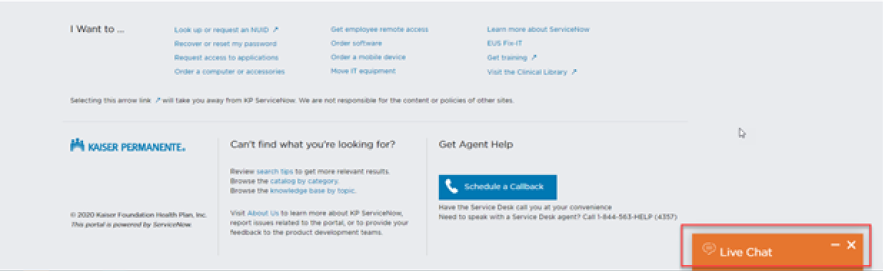
- Strategic Positioning: Optimized the widget placement by shifting it from a flush bottom-right anchor to a “floating” position (offset from the bottom and right). This prevents overlap with critical page navigation and improves the visibility of the “trigger” icon against diverse background content.
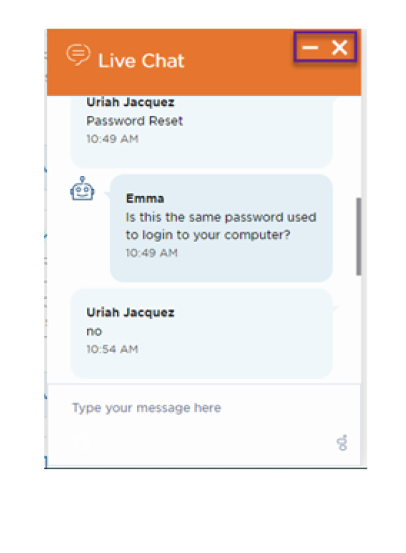
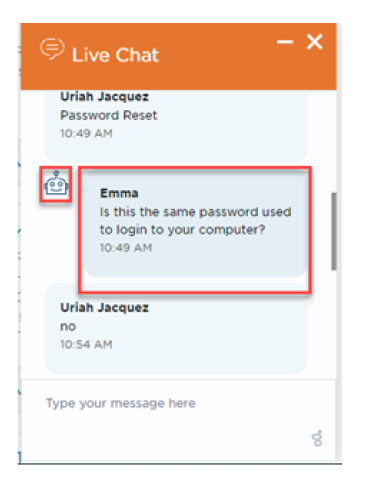
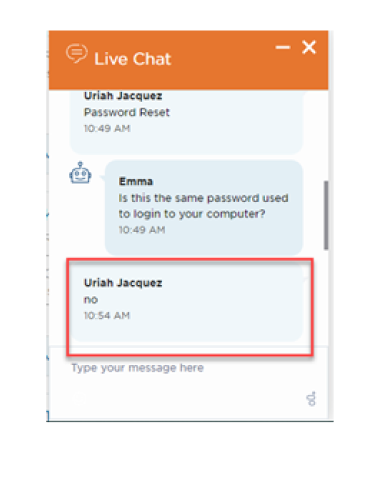
- Visual Hierarchy & Branding: Engineered custom CSS to scale title weights, increase icon prominence, and refine speech bubble geometry, bringing the third-party tool into 100% alignment with brand identity.
- Technical Liaison & Handoff: Translated design requirements into a Technical Specification Document for our external partners. By providing production-ready CSS and annotated logic flows, I ensured high-fidelity implementation and reduced development cycles.
Postioning
Initial Design Positioning
Final Design Positioning
UI Adjustments
Increase Title Weight and Size
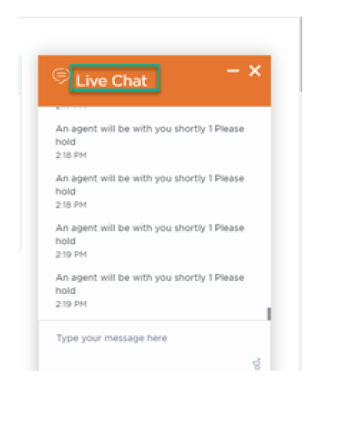
Increase Icon Weight and Size
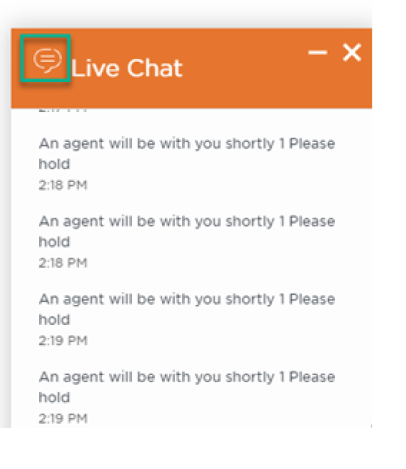
Alignment of Minimize and Close Buttons
Emma Icon & Speech Bubble Adjustments
User Bubble Adjustments
Transfer to Agent Implementation
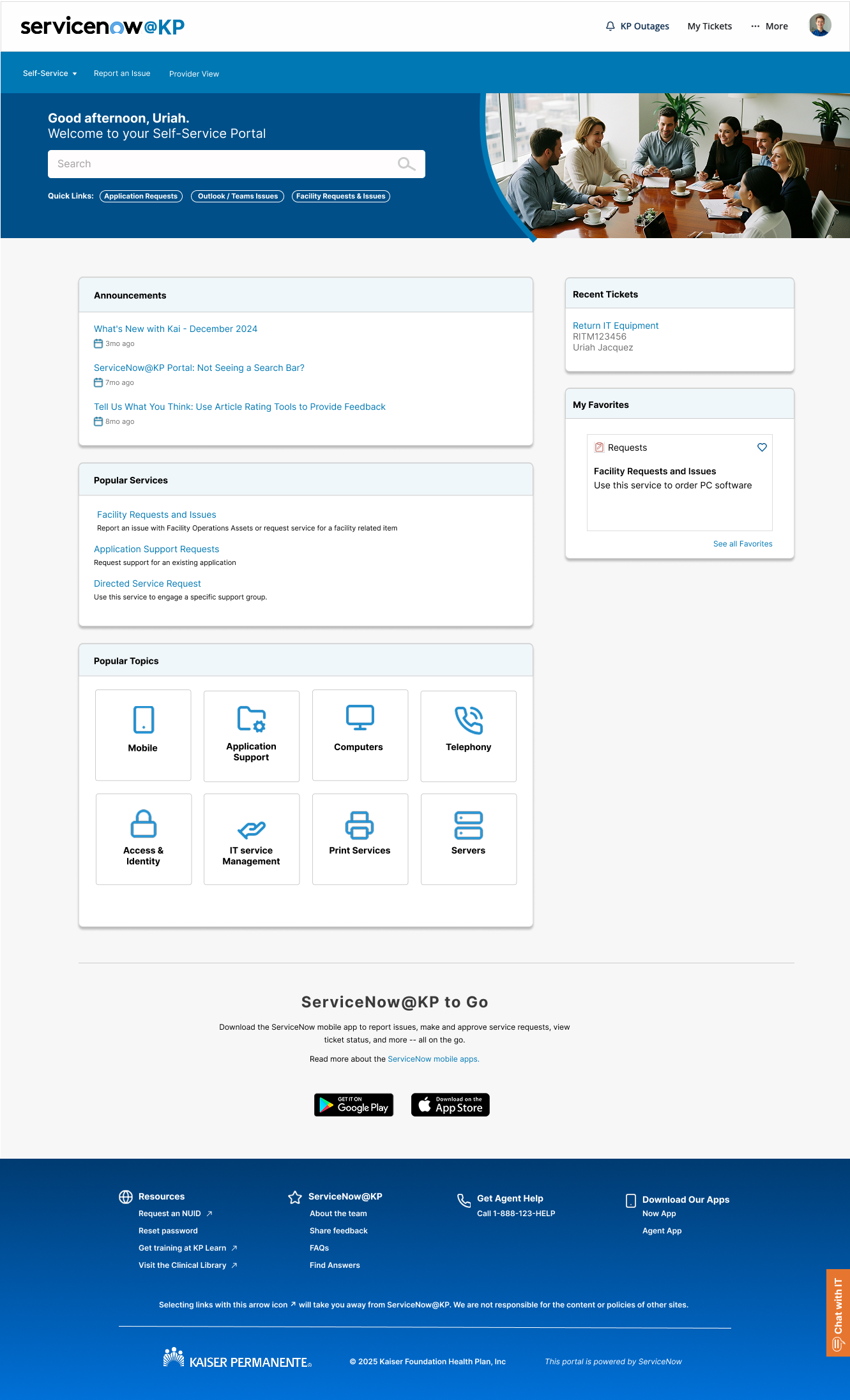
Portal Pages
Home page
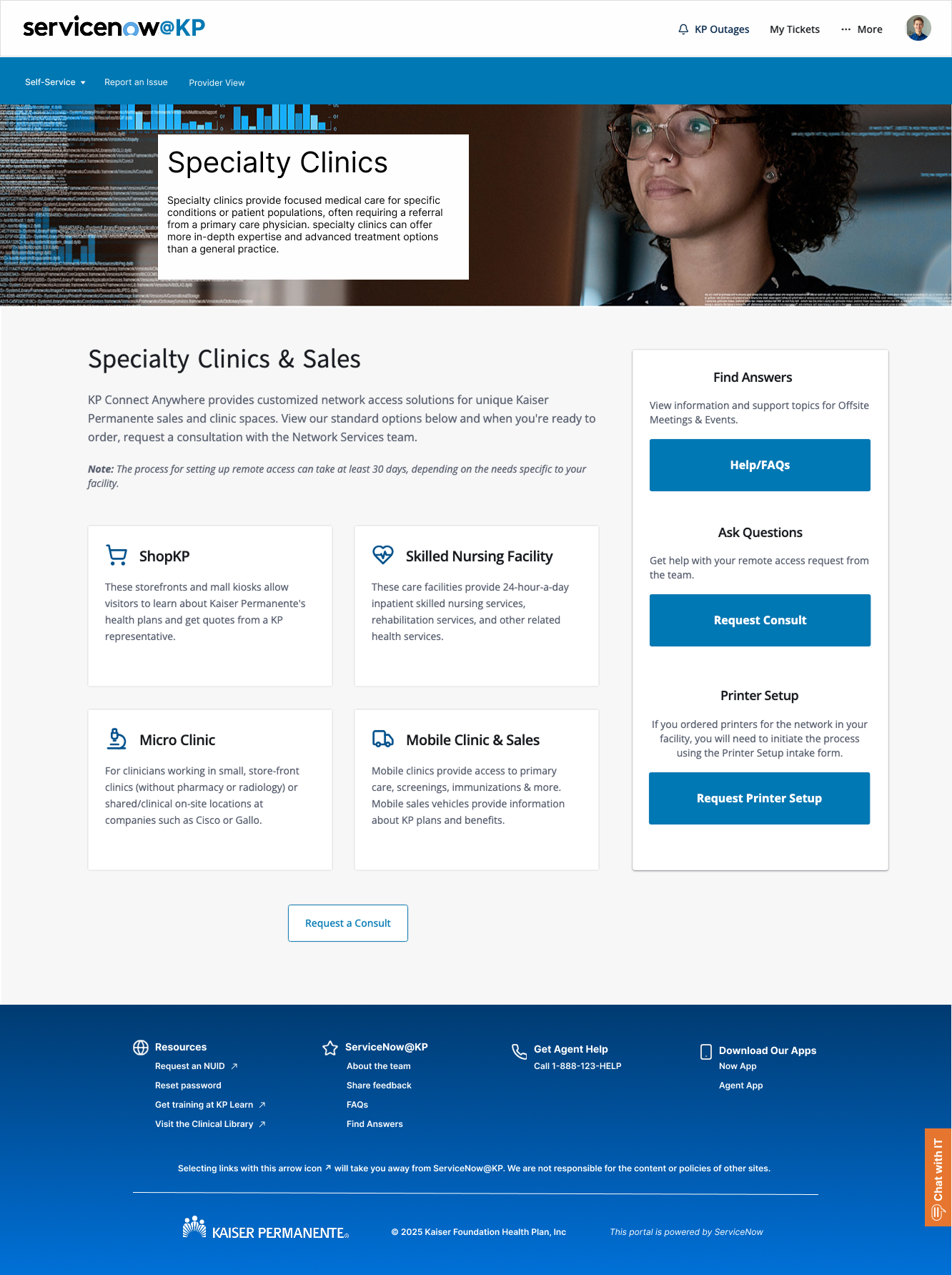
Service Catalog page(s)
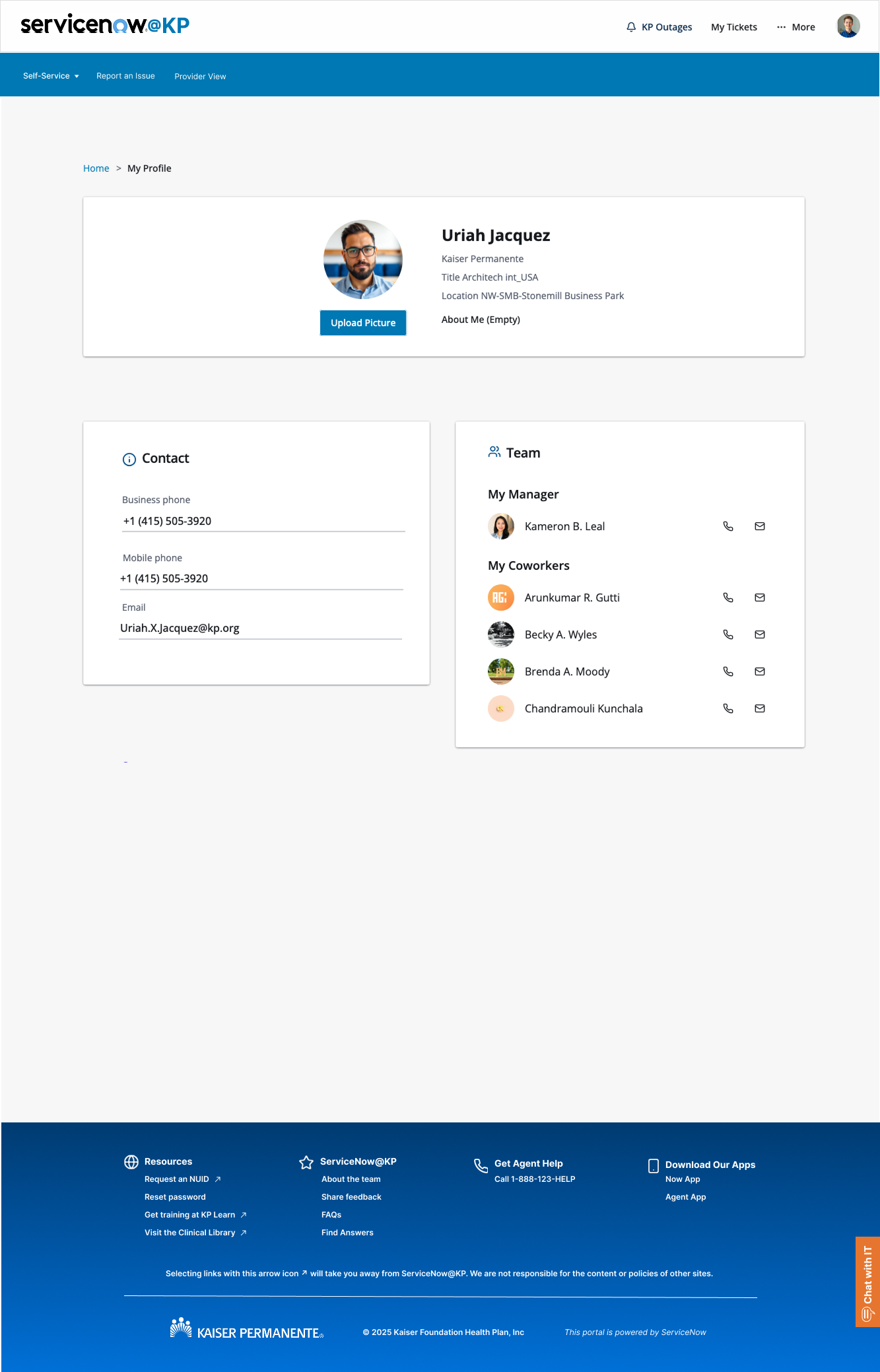
User Profile page
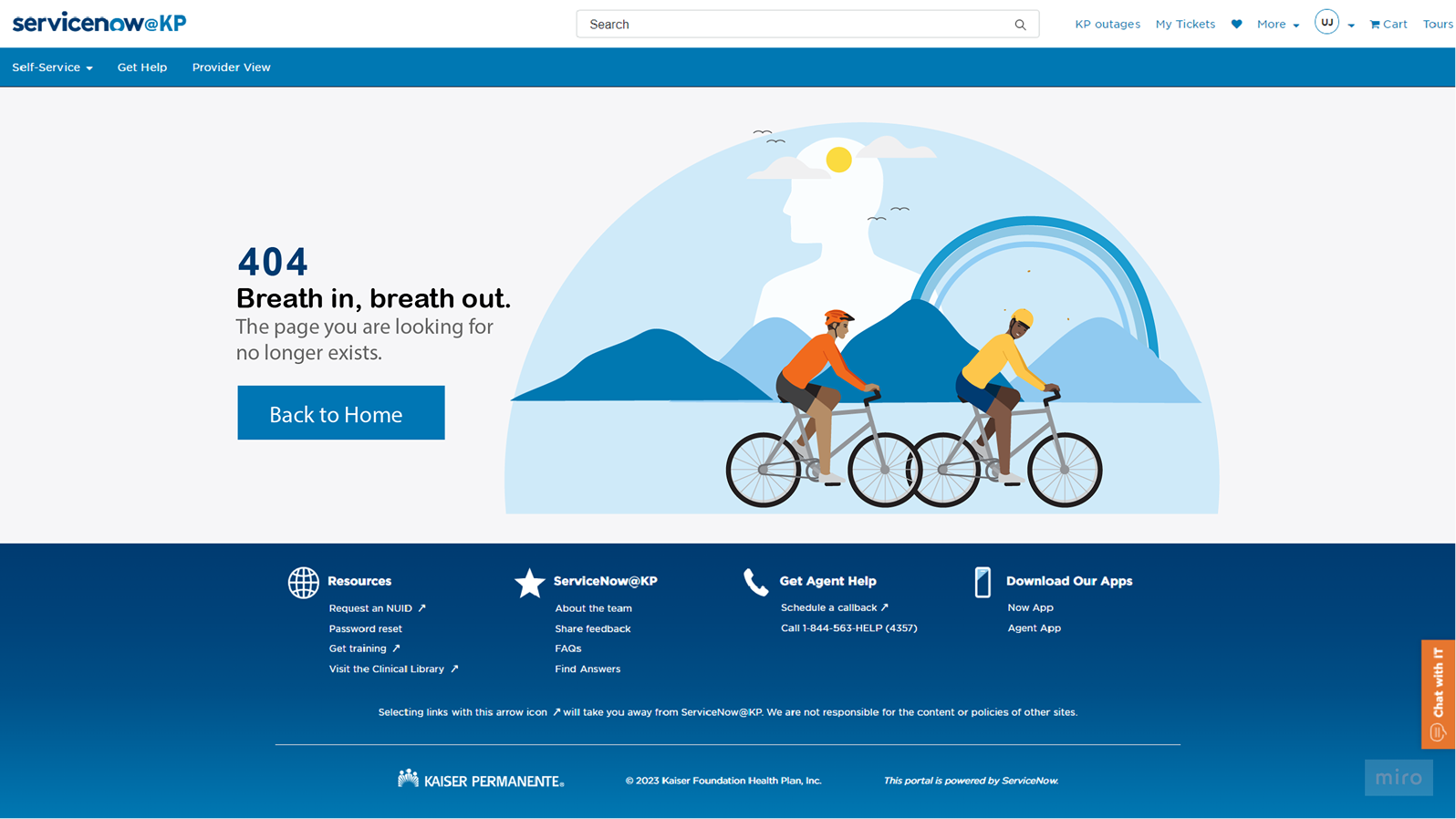
404 Layout 1
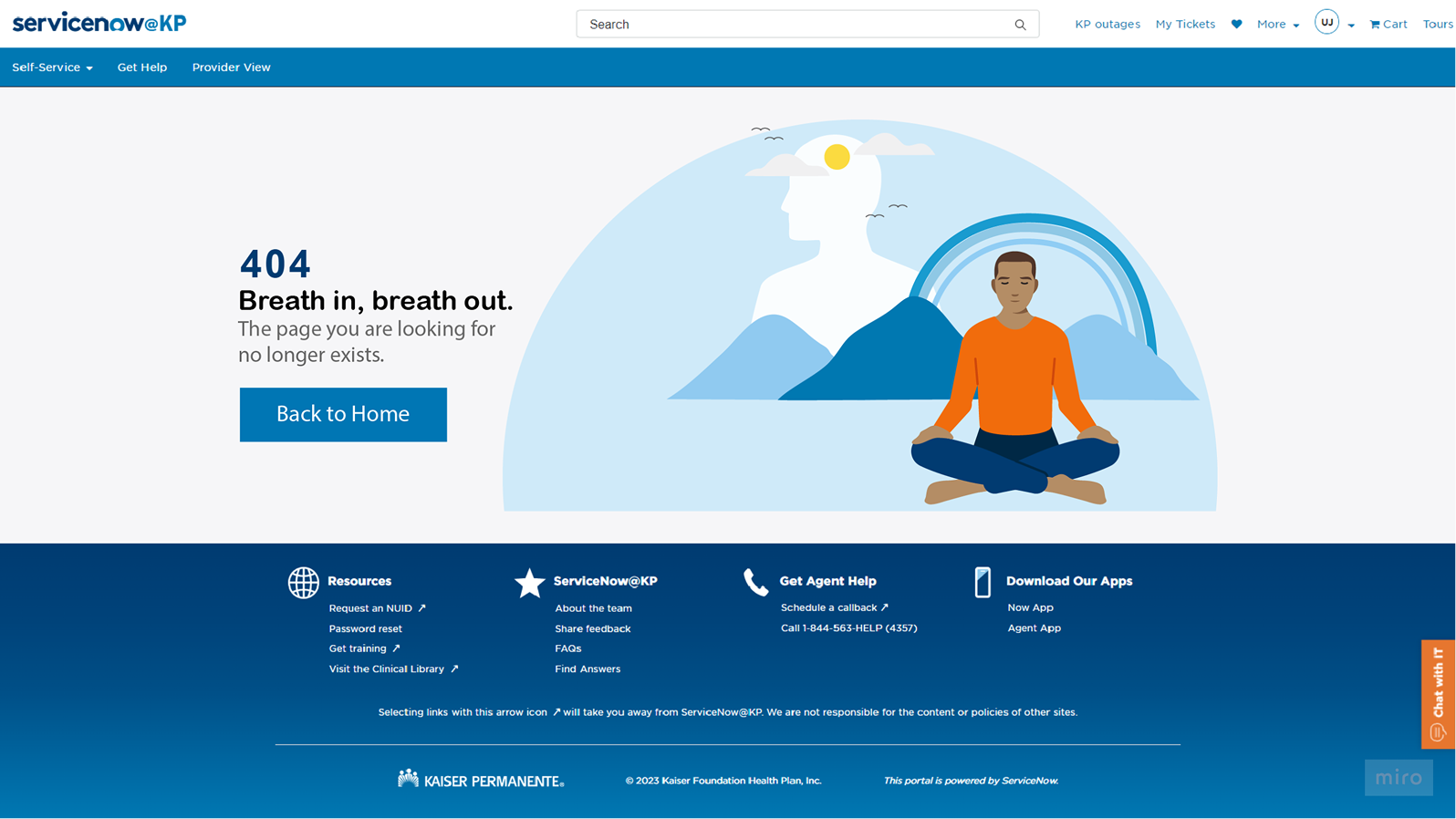
404 Layout 2
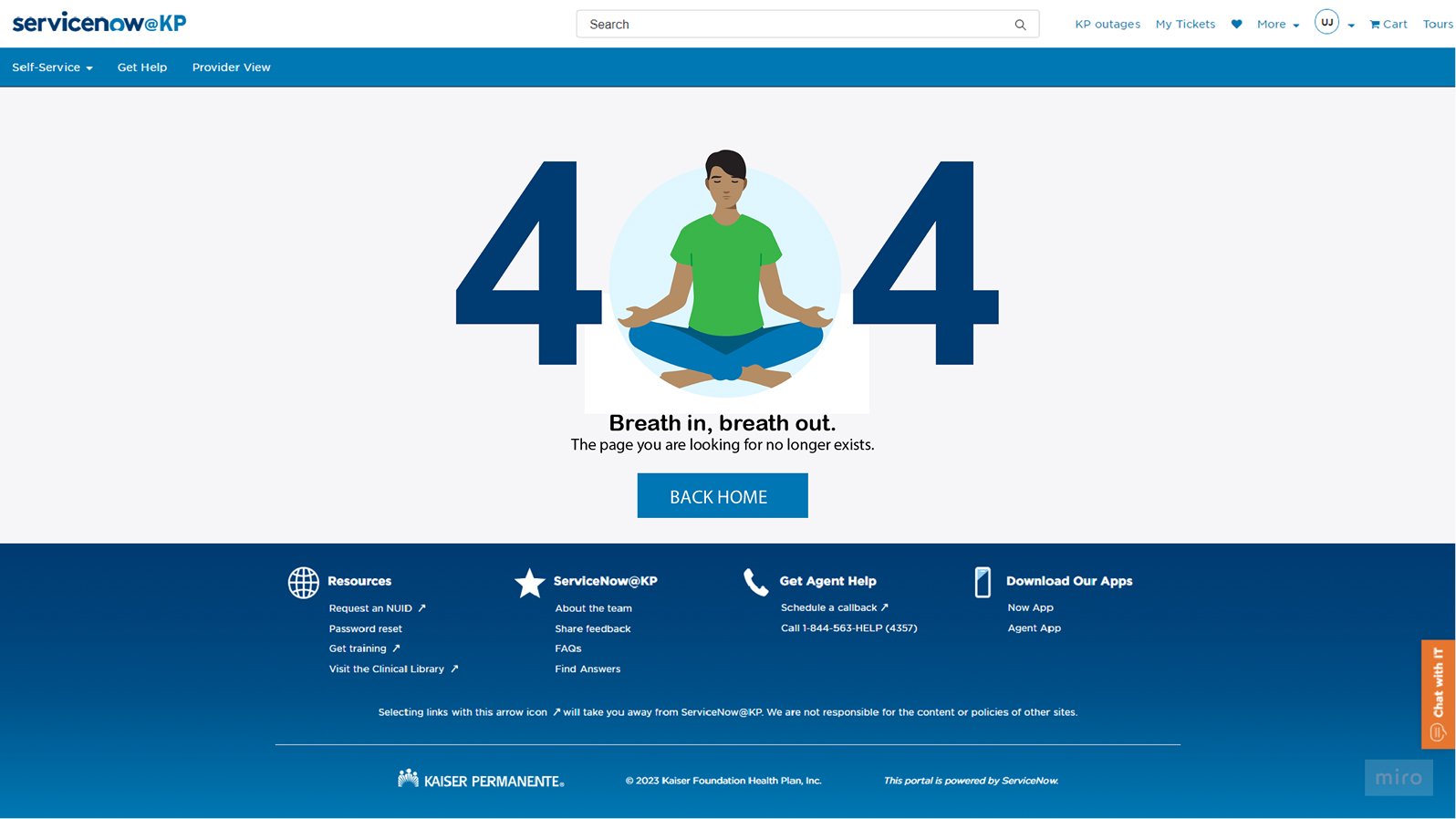
404 Layout 3
Custom Designed Icons

Build & Handoff
Grid System
12-column responsive grid with 24px gutters, breakpoints at 768px, 1024px, and 1440px.
Design Specs
Detailed Figma files with dev mode enabled, including spacing, colors, and interaction states.
Spacing Scale
8px base unit system (8, 16, 24, 32, 48, 64px) for consistent vertical rhythm.
Code Review
Weekly design-dev sync meetings to ensure pixel-perfect implementation.
Performance
Optimized CSS bundle, lazy loading for images, 95+ Lighthouse score.
What Changed
Minor adjustments to button sizes for ServiceNow platform constraints, maintained design integrity.
Outcomes & Results
-60%
Support Tickets
Weekly phone call tickets dropped
+40%
Design & Development Efficiency
Reusable components and clear guidelines reduced time-to-market for new ServiceNow applications.
+15%
User Satisfaction Scores
Improved UX consistency led to higher satisfaction ratings from internal users.
Minimized
Design Debt Reduction
Standardized components and patterns reduced UI inconsistencies across the application portfolio.
Enhanced
Team Alignment
Fostered collaboration and shared understanding between design, development, and product teams.
Future Proof
Scalability Readiness
Established a robust foundation for future application growth and platform evolution.
Reflection & Learnings
What I’d Improve
Key Lessons
More User Testing
Would have conducted additional rounds of usability testing with edge case scenarios and power users.
Platform Constraints
Working within ServiceNow’s limitations taught me to be creative with standard components while maintaining design integrity.
Advanced Personalization
Could have implemented more sophisticated dashboard customization based on user roles and preferences.
Healthcare Context
Understanding the high-stress environment of healthcare workers was crucial for prioritizing speed and clarity over visual flourishes.